
Byte Case 1, case 2, case 3: the nodes changed color and spun around. Why, though?

Neo That’s the app’s part — every case, step by step, explained.

Neo and Byte are the hosts of our YouTube series — made entirely of pixels.
How to use this red-black tree visualizer
Press + and pick a key on the slider, then step through the insertion with →. The way down is the same as in a binary search tree: each node it passes gets a blue ring, the link it takes turns blue, and the comparison that chose the way is written on that link. The new node then comes in red.
With Auto on, ▶︎ inserts the key and plays the whole insertion by itself; ❚❚ pauses it, and switching Auto off gives back ← and →.
If its parent is red too, the repair begins. Letters mark the current node C, its parent P, its grandparent G and its uncle U (a missing uncle is drawn as a black NIL box), and the line under the tree names the case running, with a link to how that case works. The nodes change color and turn, and the last step clears the marks. Levels draws and numbers the tree's levels; this simulator stops at six, and a key that would need a seventh is marked red on the slider. History lists the keys in the order they went in, to download and load again later.
How does insertion in a red-black tree work?
The new key goes down as in a binary search tree and becomes a red leaf. If its parent is black, that is all. If the parent is red, two red nodes stand one above the other, which a red-black tree does not allow, so the tree repairs itself from the new node upwards, case by case, and the root ends up black. More in how a red-black tree works.
What are the three cases?
They depend on the uncle, the parent's sibling. Case 1: the uncle is red. The parent and the uncle turn black, the grandparent turns red, and the check moves up to the grandparent. Case 2: the uncle is black and the new node is on the inner side. A rotation at the parent puts the three in a line, which is case 3. Case 3: the uncle is black and the three stand in a line. The parent and the grandparent swap colors, and a rotation at the grandparent lifts the parent above it. The first key offered here, 40, runs all three.
Why can a red-black tree be taller than an AVL tree?
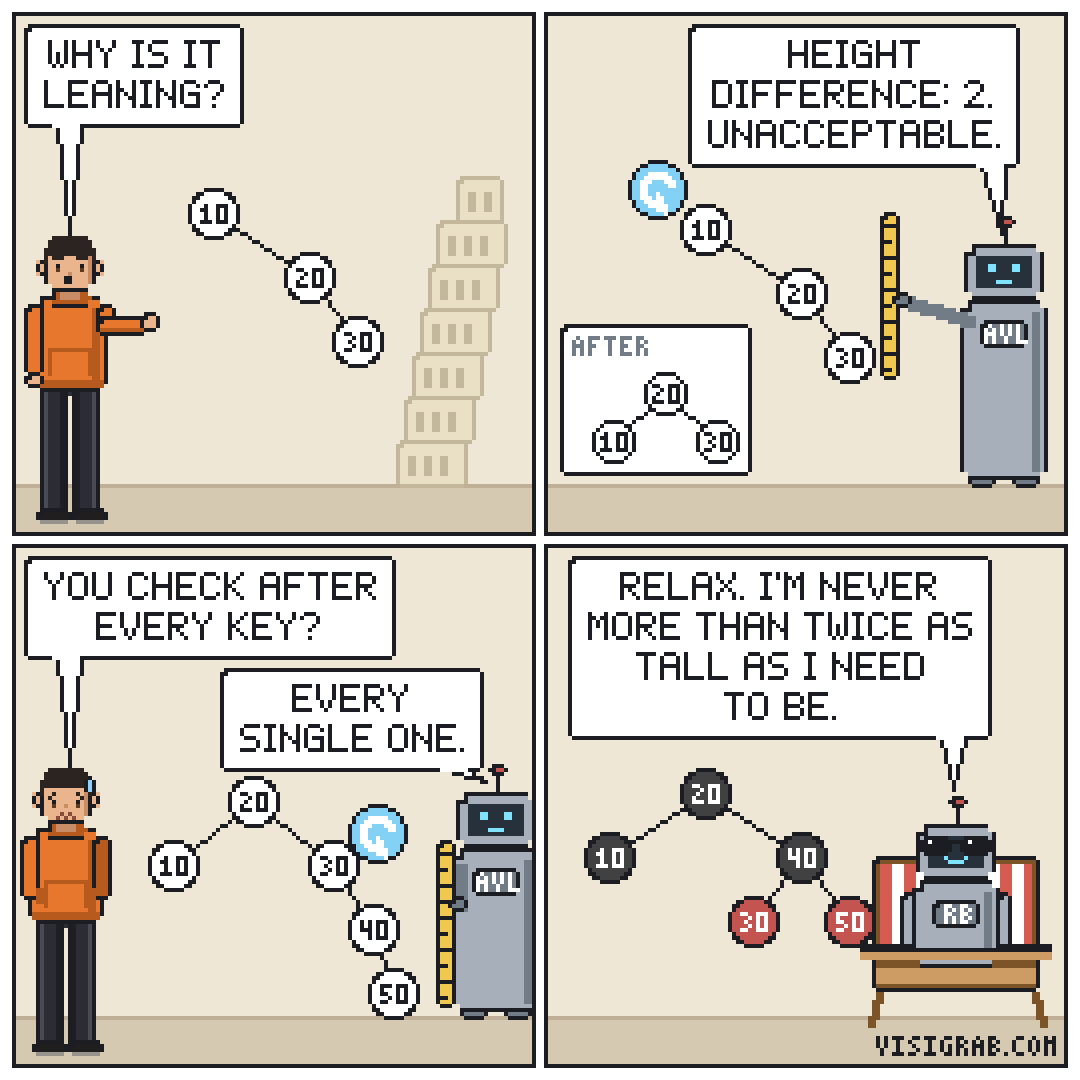
Its rules let one path from the root be up to twice as long as another, while an AVL tree keeps the two sides of every node within one level of each other. So the same keys can make a taller red-black tree. Insert them in the AVL tree visualizer to compare the two shapes.
More tree visualizers: Binary search tree visualizer · AVL tree visualizer · B-tree visualizer